Explainer
What Is RDCMan? Remote Desktop Connection Manager Explained
A practical explanation of Microsoft Sysinternals Remote Desktop Connection Manager, its role in multi-server RDP administration, and where it fits today.
Read guideRDCMan is Microsoft Sysinternals' connection manager for organizing multiple RDP sessions. Learn the current version, get the official Microsoft download, build server groups, manage RDG files, configure credentials, and troubleshoot common issues.
The current product data below was checked against Microsoft. The main download action leaves this site and opens the official Sysinternals page.
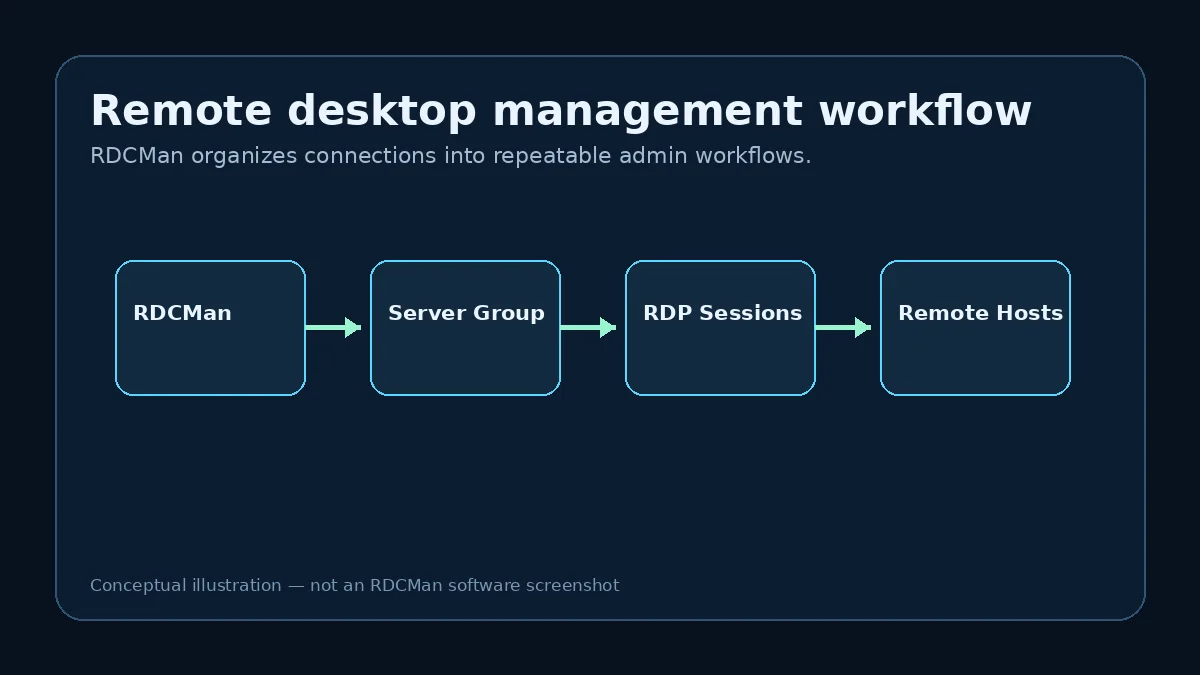
Official Microsoft Download ↗Remote Desktop Connection Manager is a focused utility for administrators who repeatedly connect to Windows machines over RDP. It organizes servers into groups, supports inherited connection settings, provides session views, and stores connection-group configuration in RDG files.
Build a hierarchy that matches labs, environments, sites, or operational roles.
Apply shared logon, gateway, display, and local-resource choices at group level where appropriate.
Use thumbnails, connected views, and group actions to work across recurring RDP targets.
Keep a repeatable list of lab machines instead of separate RDP shortcuts.
Navigate many known servers from one grouped connection tree.
Reduce duplicate settings through controlled inheritance.
Use thumbnails, Favorites, Recent, and Connected views where useful.
The file contains the connection hierarchy and related settings.
Use stable operational boundaries and place shared settings at the right parent level.
Use clear labels and verify the effective inherited configuration.
RDCMan opens and helps organize the resulting remote desktop sessions.
Start with a small test group rather than importing the entire environment at once.
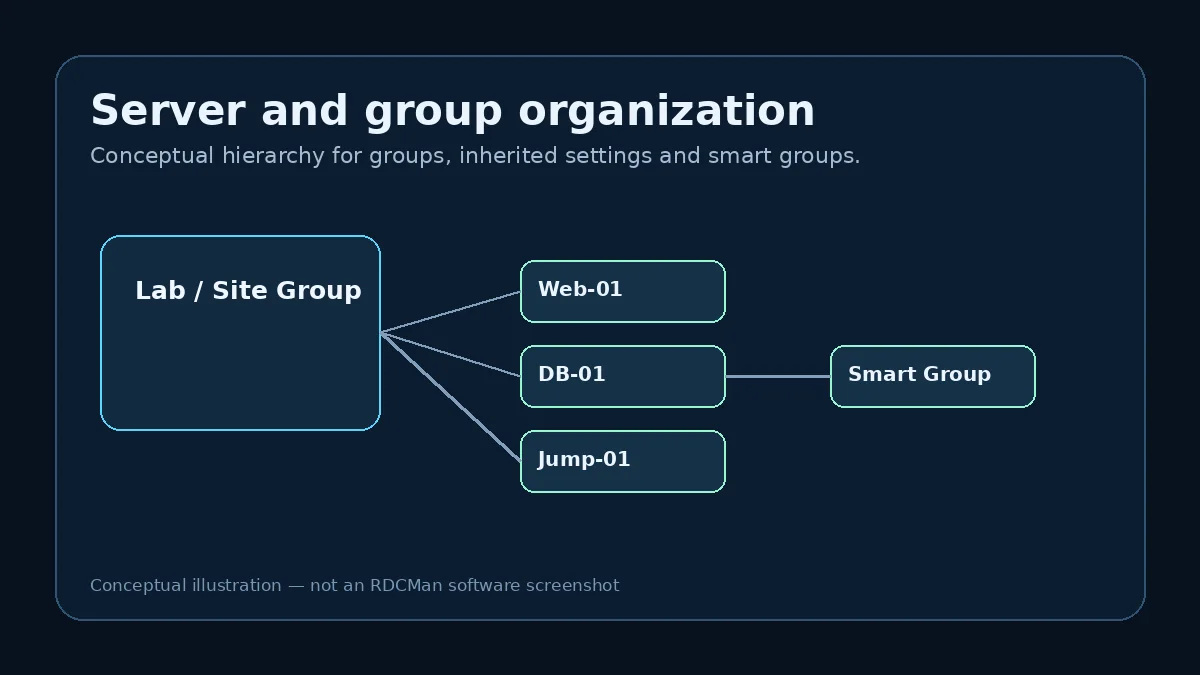
Current Microsoft documentation says standard groups contain either child groups or servers, not both. Plan levels before a bulk import.
Group guide →RDCMan v3.12 warns that RDG files saved by the current version are not compatible with older program versions.
RDG guide →Separate target reachability, gateway, credentials, policy, inheritance, and application state.
Troubleshooting hub →Each article targets a separate user intent so download, setup, configuration, security, and troubleshooting do not compete with one another.
A practical explanation of Microsoft Sysinternals Remote Desktop Connection Manager, its role in multi-server RDP administration, and where it fits today.
Read guideUse the Microsoft Sysinternals source for RDCMan, verify the package details, and avoid confusing third-party download pages.
Read guide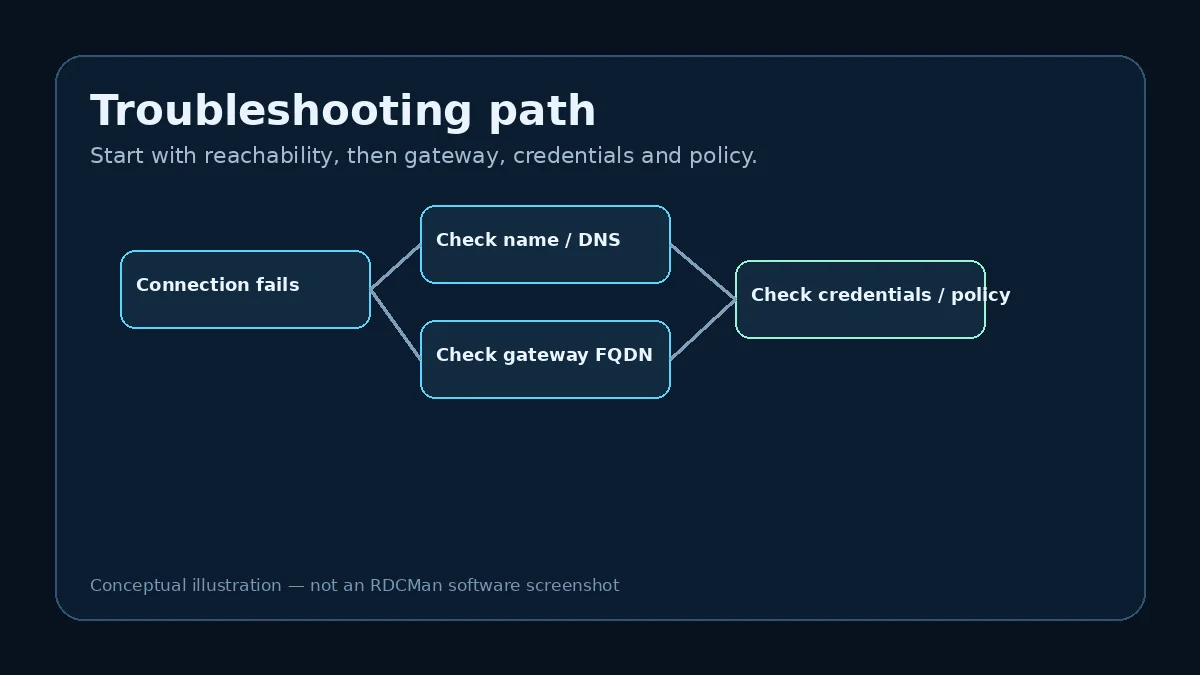
A clean installation and first-launch workflow for the current Microsoft Sysinternals RDCMan release.
Read guideStart with an empty RDCMan workspace and build a maintainable set of remote desktop connections.
Read guide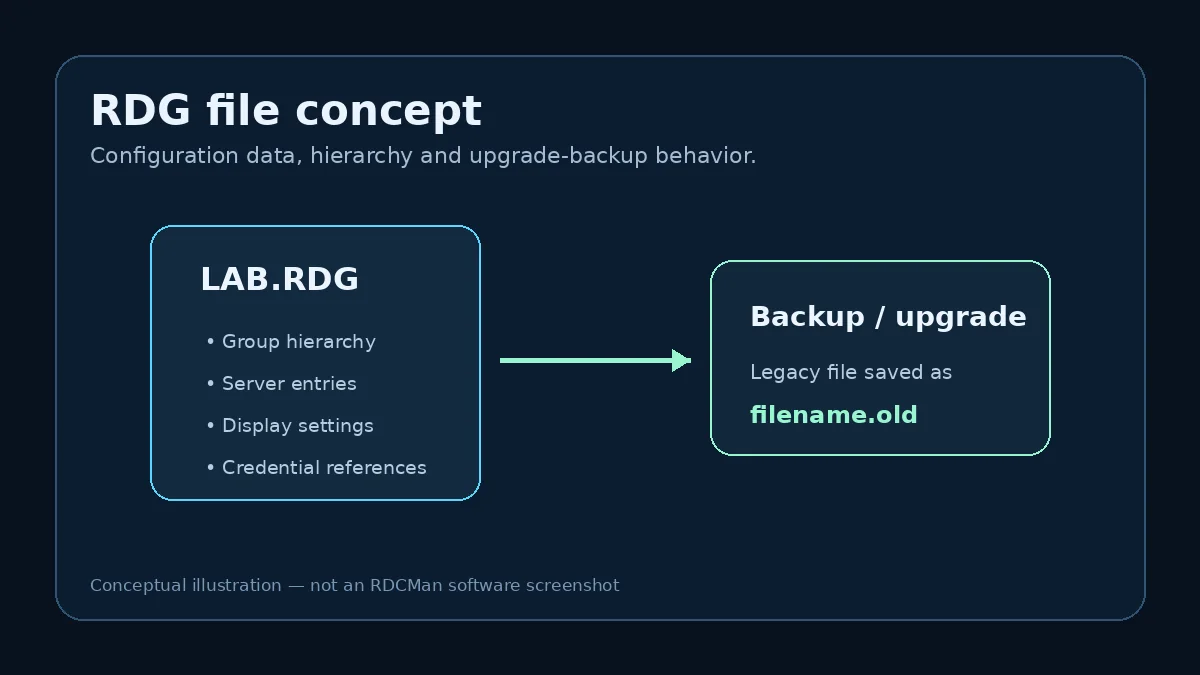
A feature-by-feature look at the capabilities that matter most when managing many RDP connections.
Read guideBuild a clean server inventory in RDCMan without creating duplicate settings or an unmanageable connection tree.
Read guideYes. Microsoft Sysinternals currently publishes RDCMan v3.12; this site last verified that on August 10, 2026.
No. Download buttons lead to Microsoft Sysinternals so the publisher and source are transparent.
RDG files hold RDCMan connection-group configuration, including the hierarchy and associated settings.
Yes. Microsoft describes groups, group connect/disconnect commands, thumbnails, inherited settings and credential profiles for multi-server workflows.
No. It is an independent informational resource dedicated to RDCMan guidance.
This RDCMan resource prioritizes Microsoft Sysinternals for changing product facts and clearly separates Microsoft’s software from this independent resource. Technical details are reviewed against the current official page before version-sensitive updates are published.
How we verify informationRDCMan is a Microsoft Sysinternals utility. This website is not Microsoft’s official RDCMan website and is not presented as Microsoft-owned, operated, or partnered.
Check the current release on Microsoft Sysinternals before downloading or deploying.
Download RDCMan from Microsoft ↗