RDCMan concentrates access to many remote systems in one administrative interface. That makes it convenient, but it also means the workstation, connection catalog and credential configuration deserve deliberate protection. Security should be designed around the whole remote-administration path rather than a claim that one utility is “secure.”
Microsoft documents password encryption options in RDCMan and publishes the tool through Sysinternals. Those are useful foundations. They do not replace least privilege, secure endpoint management, Remote Desktop Gateway policy, network controls or privileged-access governance when those controls are required.
Get the software from Microsoft
Use the Microsoft Sysinternals product page as the source of truth for the current release and download. This reduces ambiguity about publisher provenance and keeps product documentation next to the package.
Record the release and verification date in managed environments. Do not rely on old download directories or a copy of RDCMan.zip that has circulated internally for years without a traceable source.
Protect the administration workstation
An attacker who controls the workstation running RDCMan may gain visibility into infrastructure and active administrative sessions even if saved passwords are encrypted. Apply normal privileged-workstation controls: timely patching, endpoint protection, controlled software execution and restricted access to high-privilege accounts.
Where your security model separates privileged and non-privileged activity, keep routine email and browsing away from the workstation or account used to reach sensitive servers.
Use least privilege for saved credentials
Do not use one highly privileged account across every server merely because group inheritance makes it easy. Scope credentials to the systems and tasks that require them. Use separate identities for different trust zones when policy requires it.
Microsoft documents credential encryption using CryptProtectData under the local user authority or an X.509 certificate. Protect the corresponding user account and certificate material as part of the credential model.
Treat RDG files as sensitive configuration
RDG files can expose server names, grouping and operational metadata. Store them where access is controlled and backups are protected. Avoid public repositories and broad shared folders.
Before upgrades or large edits, make a known-good backup. The current v3.12 compatibility warning means application-version coordination is part of configuration security and reliability.
Use gateway and network controls instead of exposing RDP broadly
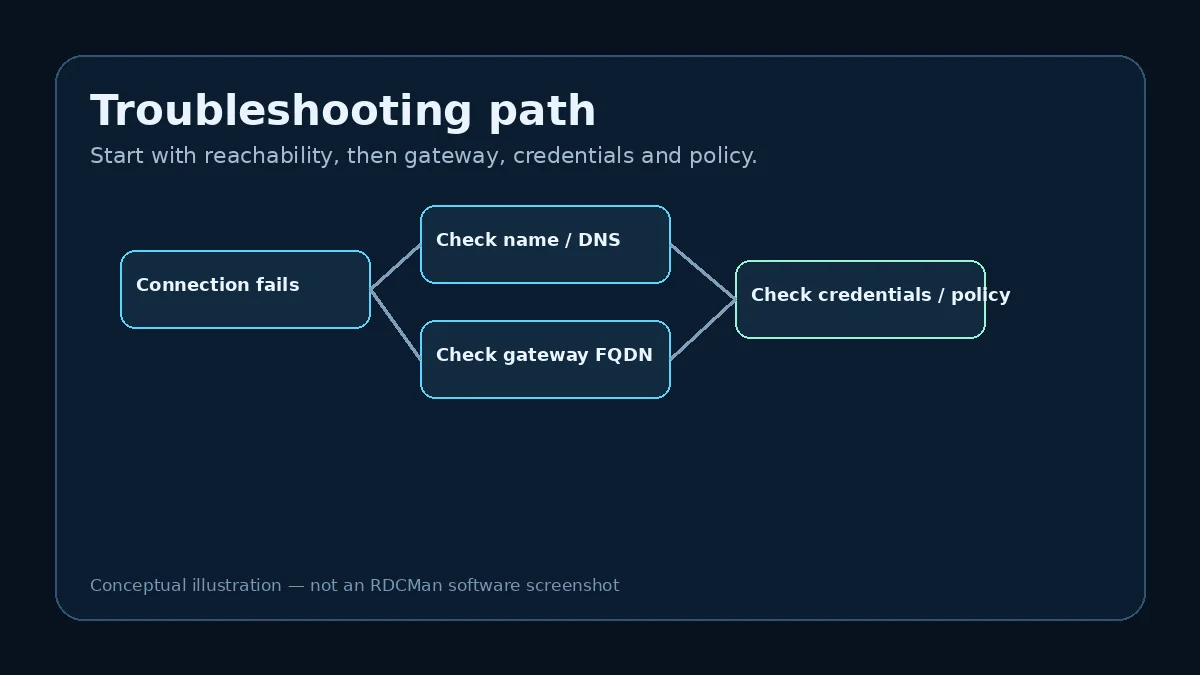
Where an organization uses Remote Desktop Gateway, configure it according to the organization’s access model and Microsoft guidance. RDCMan’s FAQ says the gateway should be specified as an FQDN in the documented gateway-error scenario.
Connection-manager convenience should not lead to opening RDP broadly on untrusted networks. Network exposure, MFA, gateway policy and segmentation are infrastructure decisions outside RDCMan itself.
Separate connection management from privileged-access governance
If your organization requires credential checkout, automatic secret rotation, approval workflows, session recording, centralized audit or just-in-time elevation, use systems designed for those controls. RDCMan can remain a connection organizer only if it fits within that larger security architecture.
This distinction prevents a common mistake: treating encrypted stored passwords as proof that the full privileged-access workflow is governed.
Review version and configuration periodically
Reverify the Microsoft product page, supported environments and download destination on a regular schedule or before an upgrade. Review stale servers, outdated group overrides and credential profiles at the same time.
A small maintenance routine keeps the tool aligned with both Microsoft’s current release and the organization’s changing infrastructure.
Example: define an RDCMan security boundary
A mature deployment can define a simple boundary: RDCMan runs only on managed administration workstations; packages come from Microsoft; RDG files live in an access-controlled location; privileged accounts are scoped by environment; Remote Desktop Gateway and network policy govern reachability; and high-value credentials remain under the organization’s privileged-access process.
Within that boundary, RDCMan is a productivity tool rather than the security control itself. If the workstation is compromised, the attacker may still observe infrastructure names or active sessions. If a credential is over-privileged, encryption at rest does not reduce the account’s authorization after it is used. Security therefore depends on layered controls.
Review the highest-impact configuration regularly
Focus periodic reviews on settings with broad scope: parent credentials, gateway configuration, local-resource redirection, stale server entries, shared RDG access, and version compatibility. Remove unused profiles and retired servers, verify that privileged accounts still match policy, and confirm the Microsoft download/version data before upgrades.
Also review the operational process around incidents. Administrators should know how to revoke a compromised credential, replace an affected RDG file, rebuild a workstation, and validate a fresh Microsoft package. Recovery readiness is a stronger security measure than an unsupported promise that the tool is “completely secure.”
Security review questions for RDCMan
A periodic review can be short but high-value. Ask: Is the installed package traceable to Microsoft? Are the current support details still valid? Who can read or copy production RDG files? Which parent groups carry privileged credentials? Are any local-resource redirections broader than necessary? Are gateway names and network paths still the approved ones? Are retired servers or old credential profiles still present? Can the team recover the configuration if an administration workstation is lost? These questions focus on the places where a connection manager can concentrate risk.
Record exceptions with an owner and review date. If one server needs drive redirection or a broader account temporarily, the exception should not become permanent through neglect. Likewise, if RDCMan is used alongside a PAM solution, document where responsibility changes from connection organization to secret issuance, approval, or audit. Clear boundaries make both tools easier to operate securely.
Practical checklist
- Download from Microsoft Sysinternals.
- Run RDCMan from a protected administration workstation.
- Scope credentials according to least privilege.
- Control access to RDG files and backups.
- Use network and gateway controls appropriate to the environment.
- Add PAM tooling when governance needs exceed connection management.
- Reverify product facts and configuration periodically.