This FAQ brings together the questions that commonly appear across download, setup, configuration and troubleshooting searches. Product facts are tied to Microsoft Sysinternals documentation and the site’s verification date rather than assumed from older RDCMan tutorials.
For any version-sensitive answer, use Microsoft’s current product page as the final authority. This RDCMan website is an independent informational resource and does not publish or host the Microsoft executable.
Current release and download
As verified on August 10, 2026, Microsoft lists RDCMan v3.12, published February 4, 2026, with a 116.1 MB download. Microsoft currently lists Windows 11 and higher for clients and Windows Server 2016 and higher for servers.
Use the RDCMan download guide for the verified Microsoft source.
Core concepts
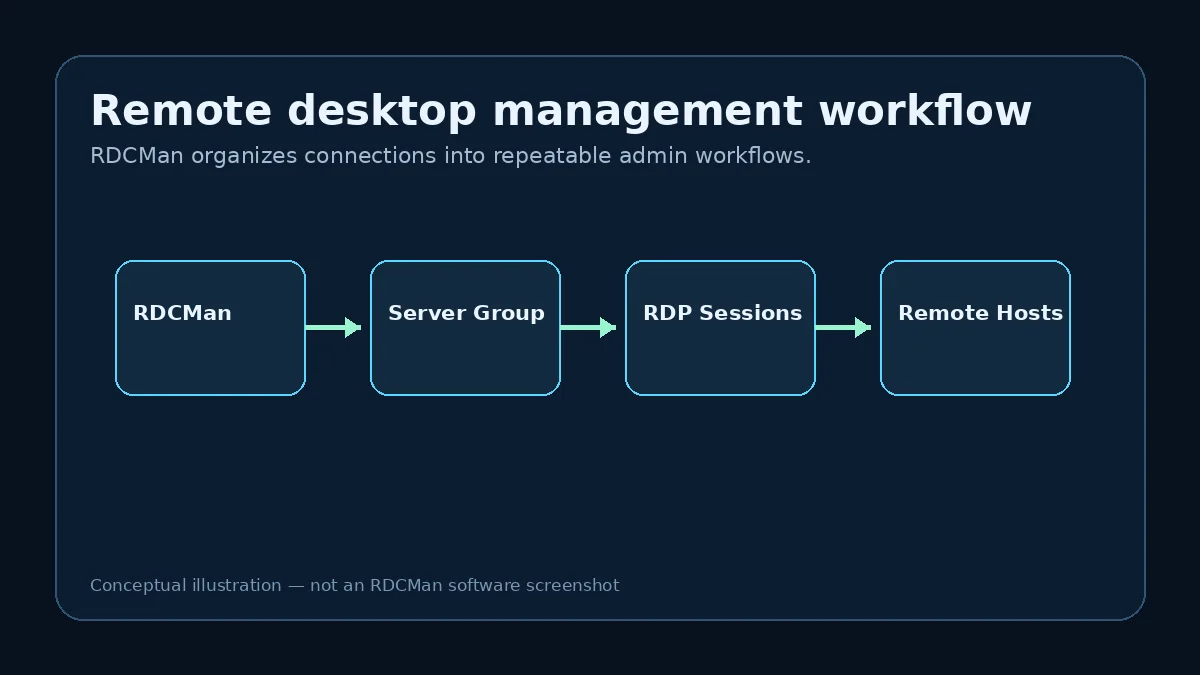
RDCMan manages multiple Remote Desktop connections in a grouped hierarchy. Administrators can use parent settings, credential profiles, session thumbnails and group operations to reduce repetitive connection work.
RDG files store the connection-group configuration. They should be protected and backed up like other administrative configuration, especially before upgrades or large reorganizations.
Troubleshooting references
Microsoft’s current FAQ documents several specific behaviors: an RD Gateway should be specified as an FQDN in the gateway error 50331656 scenario; automatic logon can depend on the Windows policy that forces password prompting; and remote desktop resolution changes require disconnecting and reconnecting.
For other failures, compare the same target with the standard Windows RDP client and inspect inherited RDCMan settings before changing unrelated fields.
How to use this FAQ during real work
Use the FAQ as a routing layer rather than the final word for every administration decision. Version, platform, package size, RDG compatibility, gateway behavior, and credential protection should be rechecked against Microsoft when they matter to a deployment. The linked detailed guides explain the surrounding workflow and tradeoffs that a short answer cannot capture.
For example, “Can servers inherit settings?” is a yes/no question, but safe use requires knowing which parent owns the setting, how broad that scope is, and what happens when the server moves groups. Likewise, “Are passwords encrypted?” does not answer whether the account is appropriately privileged or whether the workstation is sufficiently protected.
Questions to reverify after future releases
When Microsoft publishes a new RDCMan release, revisit the current version, published date, package size, supported Windows client/server statements, official package location, RDG upgrade note, command-line switches, gateway FAQ, and any documented credential or display behavior.
Do not update only the number in the hero. Changing product behavior can affect installation, troubleshooting, security, and compatibility articles at the same time. The centralized product data catches simple facts; editorial review is still required for behavior changes.
FAQ maintenance and editorial checks
A product FAQ is especially vulnerable to becoming stale because short answers are easy to copy forward without rechecking context. On each RDCMan release, compare the FAQ against Microsoft’s current product page and update not only the version answer but any question affected by platform support, RDG compatibility, gateway behavior, command-line options, or credential handling. Keep the verification date visible so readers know when changing facts were last reviewed.
Also watch for questions whose answer has become more nuanced. Microsoft’s remote-client direction changed materially in 2025–2026, so an old answer about “Microsoft Remote Desktop” may now require distinguishing Windows App, MSTSC, cloud resources, and remote PCs. The FAQ should route readers to a detailed article when a one-sentence answer would hide an important operational or security condition.
Practical checklist
- Verify changing product facts on Microsoft Learn.
- Back up RDG files before upgrades.
- Use groups and inheritance deliberately.
- Protect credential profiles and the workstation.
- Use the dedicated troubleshooting pages for connection-specific failures.
Common questions
RDCMan is Microsoft Sysinternals Remote Desktop Connection Manager, a utility for organizing and managing multiple RDP connections.
Microsoft listed RDCMan v3.12 when this RDCMan resource last verified the product on August 10, 2026.
Use Microsoft’s Sysinternals RDCMan product page. This site does not host the executable.
RDCMan is published by Microsoft Sysinternals. This website is an independent information resource.
Microsoft currently lists Windows 11 and higher for clients and Windows Server 2016 and higher for servers.
An RDG file is the saved RDCMan connection-group configuration containing the hierarchy and associated settings.
Microsoft documents standard groups as homogeneous: they contain either servers or groups, not both.
Yes. Microsoft documents inheritance from parent groups for logon and other connection settings.
Microsoft says passwords are encrypted with CryptProtectData under the local user authority or with an X.509 certificate.
Microsoft’s RDCMan FAQ says gateways must be specified as fully qualified domain names for this documented scenario.
Microsoft says no; change the size by disconnecting and reconnecting. RDCMan can automate reconnect behavior in relevant display settings.
Microsoft says RDG files saved by the current version are not compatible with older program versions.
No. It can organize connections and store credentials using documented encryption, but broader PAM controls may require dedicated systems.
Depending on the requirement, current options include mRemoteNG, Royal TS, Devolutions Remote Desktop Manager, and Microsoft client applications for supported resource scenarios.
No. This website is an independent informational resource; Microsoft Sysinternals is the product authority.