RDCMan and a standard Windows remote desktop client both use Remote Desktop Protocol workflows, but they solve different operator problems. RDCMan is primarily about organizing and reusing many connection definitions. A standard client is often the simpler tool when an administrator needs to open one remote PC without maintaining a large catalog.
The Microsoft client landscape has also changed. By 2026, Microsoft documentation points cloud-resource users toward Windows App, while the built-in Remote Desktop Connection application (MSTSC) remains relevant for generally available remote-PC connections on Windows. That product direction is separate from RDCMan’s role as a Sysinternals multi-connection manager.
RDCMan is optimized for a connection catalog
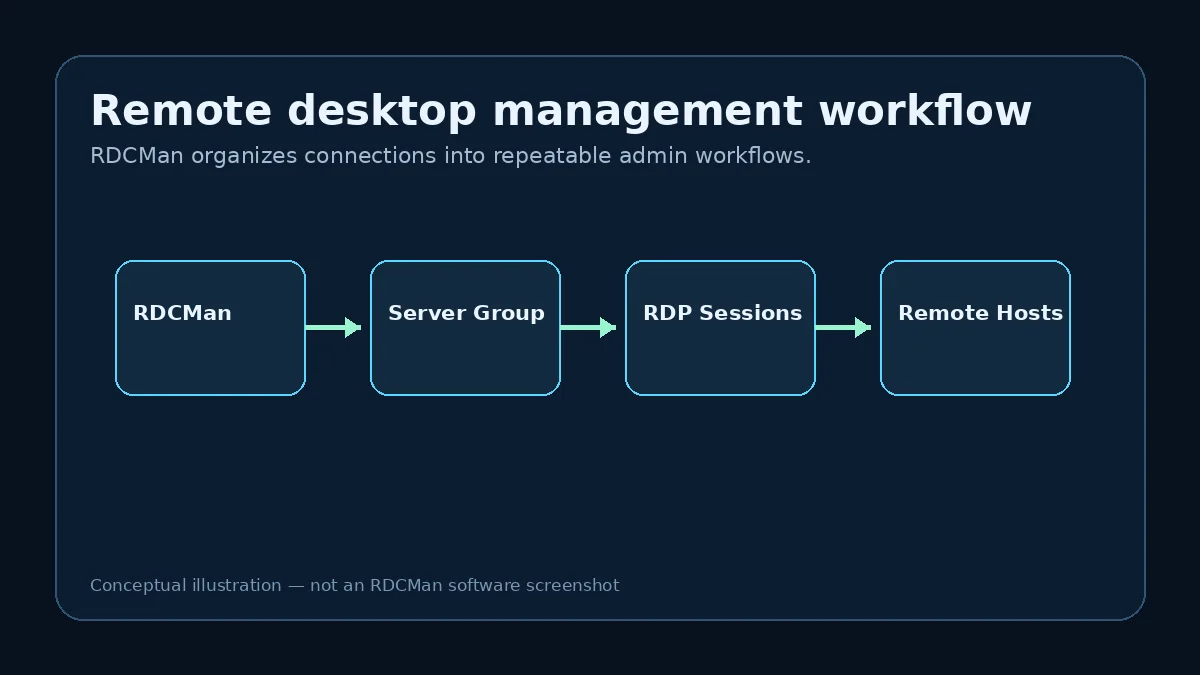
RDCMan keeps servers in groups, supports inherited settings and provides group-oriented session views. This is useful when the same operator returns to dozens or hundreds of known RDP targets and needs consistent configuration across them.
A standard single-connection client can save individual connection settings, but it does not provide the same hierarchical server-management model described in RDCMan’s Sysinternals documentation.
A single remote-PC task may not need RDCMan
If the job is to connect to one workstation or server occasionally, adding a connection-manager layer may provide little benefit. The built-in Windows Remote Desktop Connection application can be the more direct tool for a generally available remote-PC connection.
Use the simplest client that satisfies the operational need. A larger toolset should earn its place through reduced repetitive work or better organization.
Windows App serves a broader modern Microsoft connection story
Microsoft documents Windows App as a client for services including Azure Virtual Desktop, Windows 365, Microsoft Dev Box, Remote Desktop Services and remote PCs, with platform-dependent capability. Microsoft also notes that remote-PC support on Windows App has been in preview, while MSTSC remains the generally available option for that Windows scenario in the current guidance.
This means “Windows Remote Desktop” is no longer one single product label. Compare the specific resource you need to reach rather than assuming every Microsoft remote client has the same support matrix.
Configuration reuse is the key RDCMan advantage
RDCMan’s group inheritance can centralize credentials, display preferences, gateway settings and other options for a server set. A change at the right parent level can update the effective configuration for many child connections.
That advantage matters most in repeated administrative workflows. For one-off connections, the hierarchy may be unnecessary overhead.
Security requirements may point beyond both
Neither a simple RDP client nor RDCMan should be assumed to provide enterprise privileged-access governance such as approvals, session recording, centralized secrets rotation or detailed audit workflows unless the specific product documentation says so. Organizations with those requirements may need a broader privileged-access or remote-management platform.
The comparison should therefore include security and governance requirements, not only whether a tool can open an RDP session.
Which should you choose?
Choose RDCMan when you primarily manage many recurring Windows RDP targets and benefit from groups, inheritance and multi-session navigation. Choose a standard Microsoft client when the task is a straightforward individual connection or when that client is the documented path for the remote resource you use.
For cloud services such as Azure Virtual Desktop or Windows 365, check current Microsoft Windows App guidance because client support changed significantly through 2025 and 2026.
Example: choose by workflow, not product age
An administrator who connects to one office PC once a week may gain little from maintaining an RDCMan hierarchy. A generally available Windows remote-PC client can be simpler. Another administrator who connects to sixty known Windows servers every day gains immediate value from groups, inherited settings, and multi-session navigation.
The comparison is therefore not “which application is newer?” but “what repeated work needs to be reduced?” For cloud desktop services, the answer can be different again because Microsoft’s current client guidance increasingly points users toward Windows App for supported cloud resources. Always identify the resource type before choosing the client.
Avoid mixing product roles in a migration decision
Moving from one Microsoft remote client to another does not automatically replace RDCMan’s connection-catalog function. Windows App, MSTSC, and RDCMan overlap around remote access but have different resource support and organizational models. A team may even use more than one when different workflows justify it.
Document which remote resources must be supported, whether a grouped persistent catalog is required, and which client Microsoft currently supports for each scenario. That prevents a migration project from removing a useful connection-management layer while solving an unrelated client lifecycle issue.
A decision framework for client choice
Write down four facts before choosing a Microsoft remote client or RDCMan: the resource being reached, how many recurring targets exist, whether a persistent grouped catalog is required, and whether the workflow depends on inherited connection settings. A one-off remote PC connection has a different requirement from a server-lab catalog, and both differ from Azure Virtual Desktop or Windows 365. Client naming has changed over time, so decisions should be tied to the resource and current Microsoft support documentation rather than remembered product names.
For teams, document the supported path for each common scenario. For example, identify the approved client for generally available remote-PC access on Windows, the approved client for cloud desktop resources, and the role RDCMan plays for multi-server RDP organization. This prevents operators from assuming that one application should replace every other remote-access tool simply because all of them use Remote Desktop concepts.
Practical checklist
- Pick the client based on the actual remote resource.
- Use RDCMan when repeated multi-server organization is the problem.
- Use MSTSC for simple generally available remote-PC connections when appropriate.
- Check Windows App documentation for modern Microsoft cloud-resource workflows.
- Add a broader security platform when governance requirements exceed connection management.