RDCMan, short for Remote Desktop Connection Manager, is a Microsoft Sysinternals utility for people who repeatedly connect to multiple Windows systems over Remote Desktop Protocol. Instead of opening a separate Remote Desktop Connection window for every host and remembering settings one by one, an administrator can keep servers in named groups, reuse group-level settings, and work from one tree of connections.
The current Microsoft documentation describes RDCMan as a tool for managing multiple remote desktop connections and specifically calls out server labs, automated check-in systems, and data-center scenarios. That narrow focus matters: RDCMan is not a general endpoint-management platform, a monitoring suite, or a replacement for Remote Desktop Services. It is primarily a connection organizer and RDP session manager.
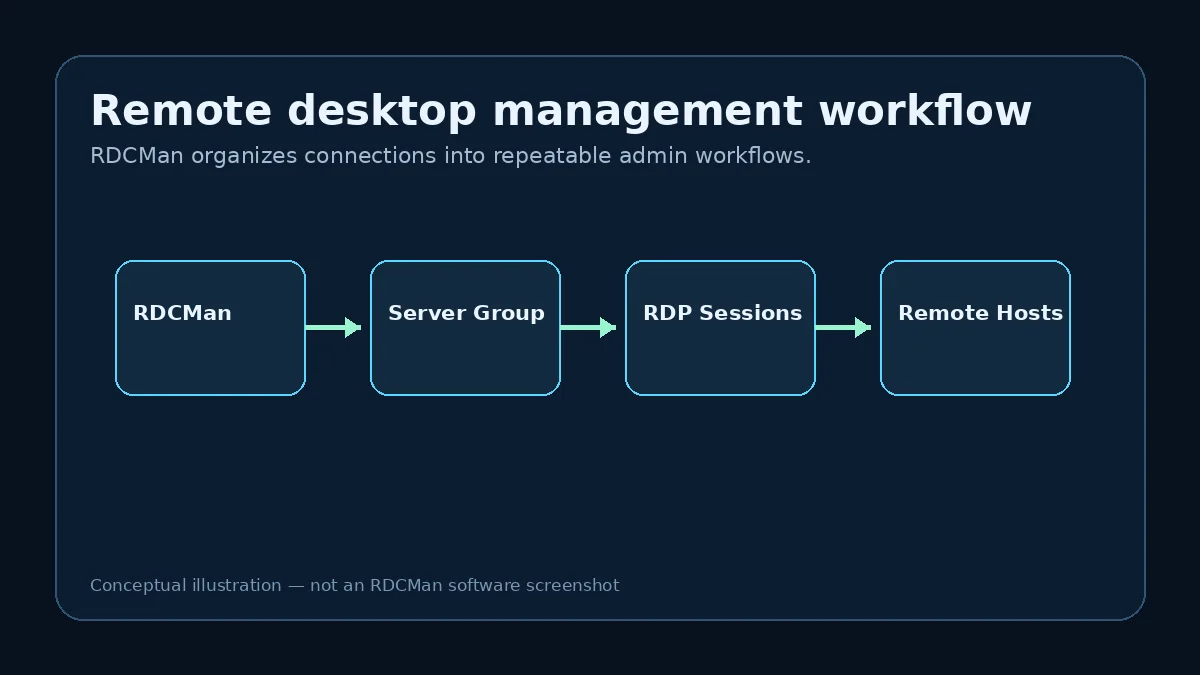
What RDCMan actually manages
RDCMan manages definitions for remote desktop connections and the sessions launched from those definitions. A saved server entry can carry a display name, connection target and settings, while a group can supply settings that child servers inherit. Microsoft also documents group-wide connect and disconnect commands and a thumbnail view that shows live activity for servers in a group.
This model is most useful when the same administrator returns to the same collection of machines. A lab with application servers, database servers and jump hosts can be represented as a repeatable hierarchy instead of an informal list of host names. The benefit is less about making RDP itself different and more about making a large set of RDP targets easier to find, configure and operate consistently.
How groups and inherited settings help
Groups are a core part of the RDCMan model. Microsoft states that settings can be inherited from a parent group, which means a setting can be defined once and reused by the servers below it. This can reduce repetitive editing when many hosts share credentials, display behavior, gateway settings, local-resource rules or other connection preferences.
There is an important structural rule in the current documentation: standard groups are homogeneous. A group contains either servers or groups, not a mixture of both. Planning the hierarchy before importing a large server list therefore makes later navigation cleaner. RDCMan also includes virtual or smart group concepts for views such as connected servers, favorites and recent connections.
Use stable operational boundaries—environment, site, function or ownership—rather than creating a new group for every temporary task.
Credentials and security model
RDCMan can reuse logon settings from parent groups or credential profiles. Microsoft documents password protection using Windows CryptProtectData under the locally logged-on user or an X.509 certificate. That is useful for reducing repeated credential entry, but it should not be interpreted as a complete privileged-access-management system.
Administrators should still apply normal security controls: least privilege, separate administrative identities where appropriate, controlled access to RDG files and workstations, and careful handling of exported or copied configuration. A saved connection definition can be operationally sensitive even when a password field is encrypted because server names, group names and other metadata can reveal infrastructure structure.
RDG files are the configuration container
RDCMan saves connection groups in RDG files. These files are central to portability and organization because they contain the hierarchy and settings used by the application. The current v3.12 Microsoft page includes an upgrade warning: RDG files saved by this version are not compatible with older program versions. When a legacy RDG file is opened and saved, RDCMan creates a backup with a .old suffix.
That behavior makes backups part of a sensible upgrade workflow. If an RDG file matters to an admin team, keep a known-good copy before opening it with a newer RDCMan release, especially if another workstation still runs an older release.
Do not assume an RDG file edited by a newer RDCMan release can be reopened by an older release.
Who RDCMan is a good fit for
RDCMan is a natural fit for Windows administrators who primarily need RDP and who manage a recurring set of hosts. Homelab users can also benefit when a handful of VMs becomes large enough that individual RDP shortcuts are difficult to maintain. Developers and testers who move between repeatable lab machines are another straightforward use case.
If the requirement includes many protocols, shared enterprise vaults, auditing, approvals, centralized policy or cross-platform clients, compare RDCMan with broader remote-connection managers rather than forcing one utility to cover every remote-access need. The best tool depends on the operational problem, not on the number of features in a marketing checklist.
Current verified product facts
As verified from Microsoft Sysinternals on August 10, 2026, the current RDCMan release is v3.12, published February 4, 2026. Microsoft lists the download as 116.1 MB and states that it runs on Windows 11 and higher and Windows Server 2016 and higher.
Because these details can change, This RDCMan resource keeps version-sensitive data in one project data file and links users to Microsoft for the actual download. Use the verified RDCMan download page for the current source and installation notes.
A realistic administration scenario
Imagine a Windows administrator responsible for three lab environments, each with web, application, and database hosts. Opening individual RDP shortcuts works when there are five systems, but it becomes difficult to remember which shortcut uses which gateway, account, or display settings as the inventory grows. RDCMan gives that administrator one connection tree where the environment can be represented explicitly and common preferences can be inherited instead of copied. The administrator can keep production-like labs separate from test systems, use meaningful labels, and move between sessions without turning the desktop into a collection of unrelated windows.
The important design decision is not simply “put every server into RDCMan.” The administrator still needs an authoritative inventory, access policy, and clear ownership outside the connection manager. RDCMan should make routine access faster while preserving those controls. If a server is retired, renamed, moved to another trust zone, or assigned a different administrative account, the saved connection should be updated as part of that infrastructure change rather than left as stale convenience data.
Where RDCMan stops
RDCMan can improve organization, but it does not become a monitoring platform, configuration-management database, identity provider, or privileged-access governance system simply because it can reach many servers. Keep those roles separate. Monitoring tools should tell you whether a service is healthy; identity systems should determine who is authorized; privileged-access tooling should provide any approvals, vaulting, rotation, or session governance your policy requires.
This boundary is useful when evaluating the tool. If the real pain is that an administrator has forty recurring RDP targets, RDCMan can address that directly. If the pain is shared secret rotation, audit evidence, SSH plus RDP plus database consoles, or cross-platform team access, the problem statement is broader and an alternative connection-management or PAM platform may be the better architectural answer.
Practical checklist
- Use RDCMan when the main need is organizing repeatable RDP connections.
- Plan a group hierarchy that reflects stable administration boundaries.
- Use inherited settings deliberately and review what child servers receive.
- Protect RDG files and back them up before version upgrades.
- Verify version and platform information against Microsoft before deploying widely.