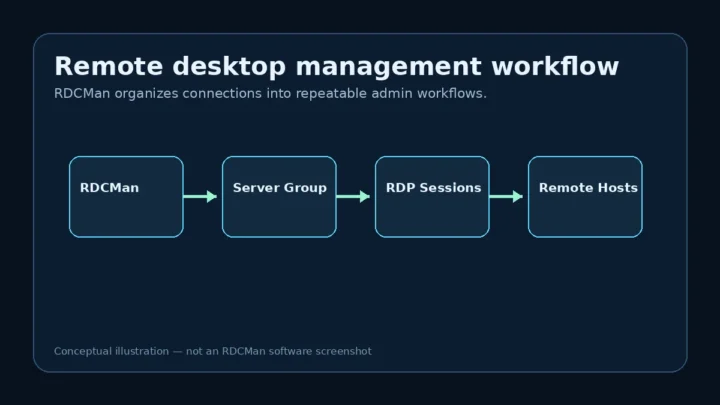
Download
RDCMan Download: How to Get It from the Official Source
Use the Microsoft Sysinternals source for RDCMan, verify the package details, and avoid confusing third-party download pages.
Read guideUse the Microsoft Sysinternals source for RDCMan, verify the package details, and avoid confusing third-party download pages.
Read guideA clean installation and first-launch workflow for the current Microsoft Sysinternals RDCMan release.
Read guideStart with an empty RDCMan workspace and build a maintainable set of remote desktop connections.
Read guide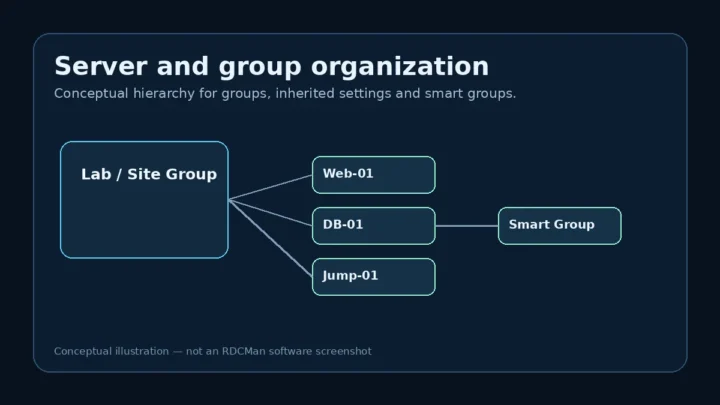
Build a clean server inventory in RDCMan without creating duplicate settings or an unmanageable connection tree.
Read guideUse groups as both an organization system and a configuration inheritance layer for remote desktop connections.
Read guideA settings-first approach to configuring RDCMan connections consistently across servers and groups.
Read guideTurn a growing RDP list into a clean operating model that administrators can navigate quickly and maintain safely.
Read guide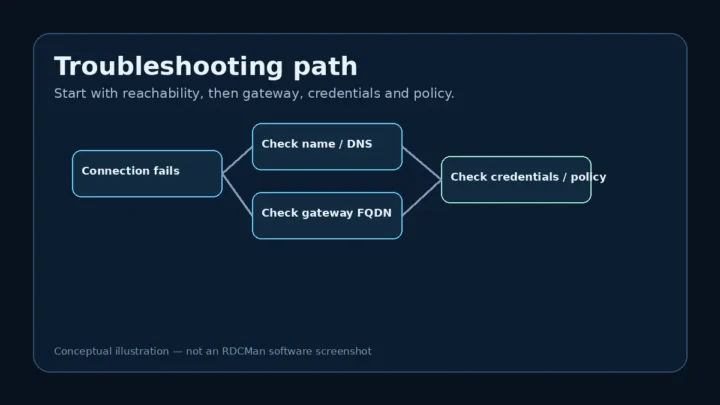
A layered troubleshooting method for RDCMan that starts with the target path and narrows down product-specific settings.
Read guideUse verified RDCMan workflow features to move faster without relying on outdated shortcut tables from older releases.
Read guideKeep many active remote desktops understandable without turning session count into operational clutter.
Read guideMap common symptoms to the RDCMan-specific checks Microsoft documents before changing unrelated settings.
Read guide